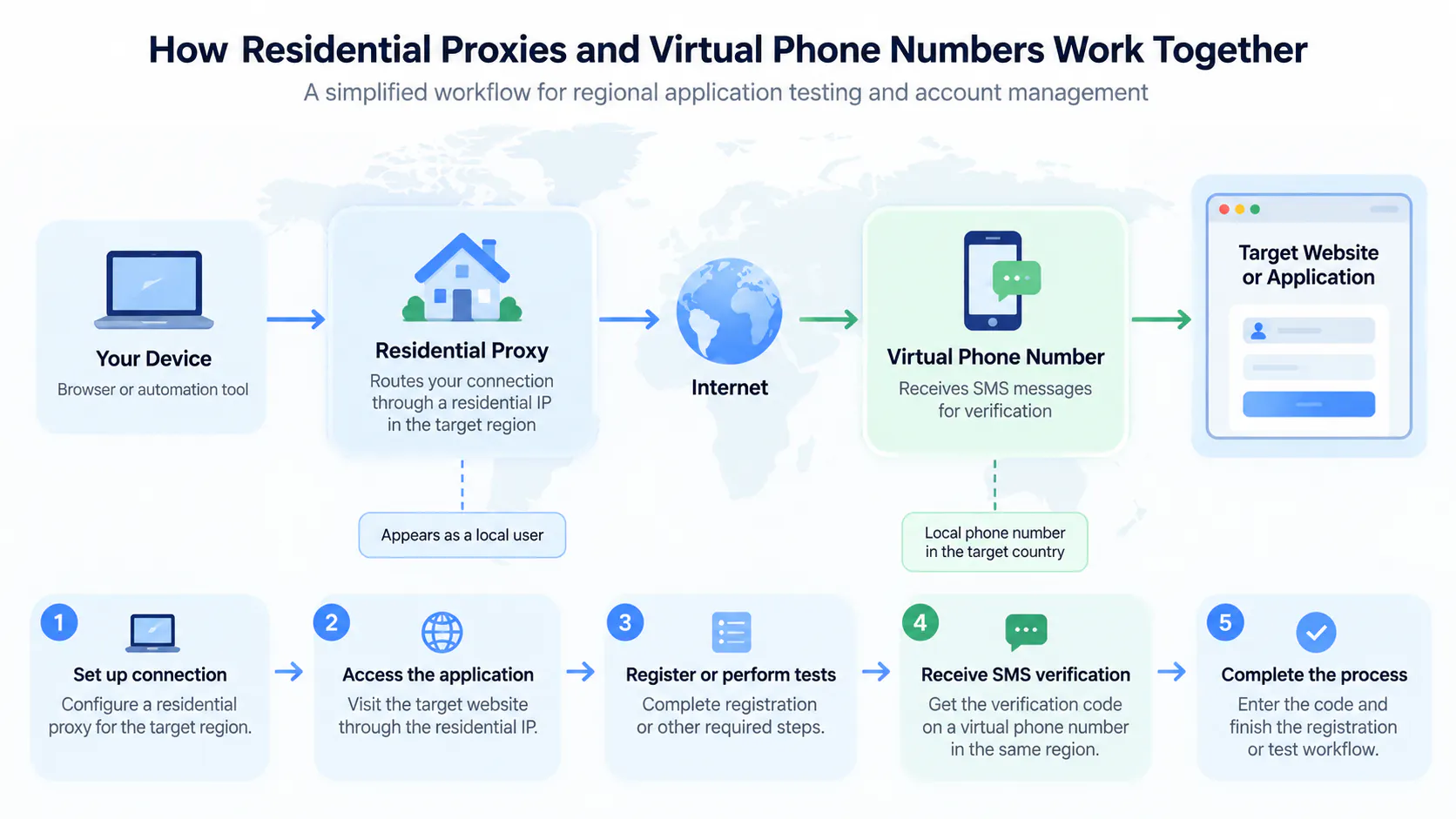
Getting phone number verification right is not just about the number itself. In many cases, failed verifications are caused by an unstable or flagged setup environment rather than the phone number. Below are our most important tips to help you get verified smoothly on the first try.
Use a Clean Proxy or IP
Use a clean mobile proxy or a clean IP address. Avoid oversold residential proxy pools whenever possible. Stable mobile connections usually work much better than heavily shared residential pools.
For customers who need stable proxies, we recommend our partner Proxied, where you can get dedicated rotating proxies with unlimited traffic and self-managed IP rotation.
Keep Your IP Stable During Verification
Keep the same IP during the entire verification process. Do not switch between VPNs, proxies, or devices during verification. Constant IP changes raise red flags and can lead to failed attempts or account restrictions.
Use a Clean Browser Profile
Use a clean browser profile with no suspicious history, cookies, or extensions. Fresh browser profiles generally perform much better than reused profiles that may already be flagged.
Anti-detect browsers such as Octo Browser can help you maintain a stable fingerprint and consistent profile across sessions.
Maintain a Consistent Fingerprint
Do not constantly rotate fingerprints, devices, or browser environments during setup. Avoid logging into many different accounts from the same browser profile. Consistency is key – platforms look for patterns that indicate automated or suspicious activity.
It's Usually Not the Number
Many verification problems are not caused by the phone number itself, but by an unstable or flagged setup environment. Before blaming the number, review your proxy, browser profile, and IP stability. A clean and consistent environment makes all the difference.