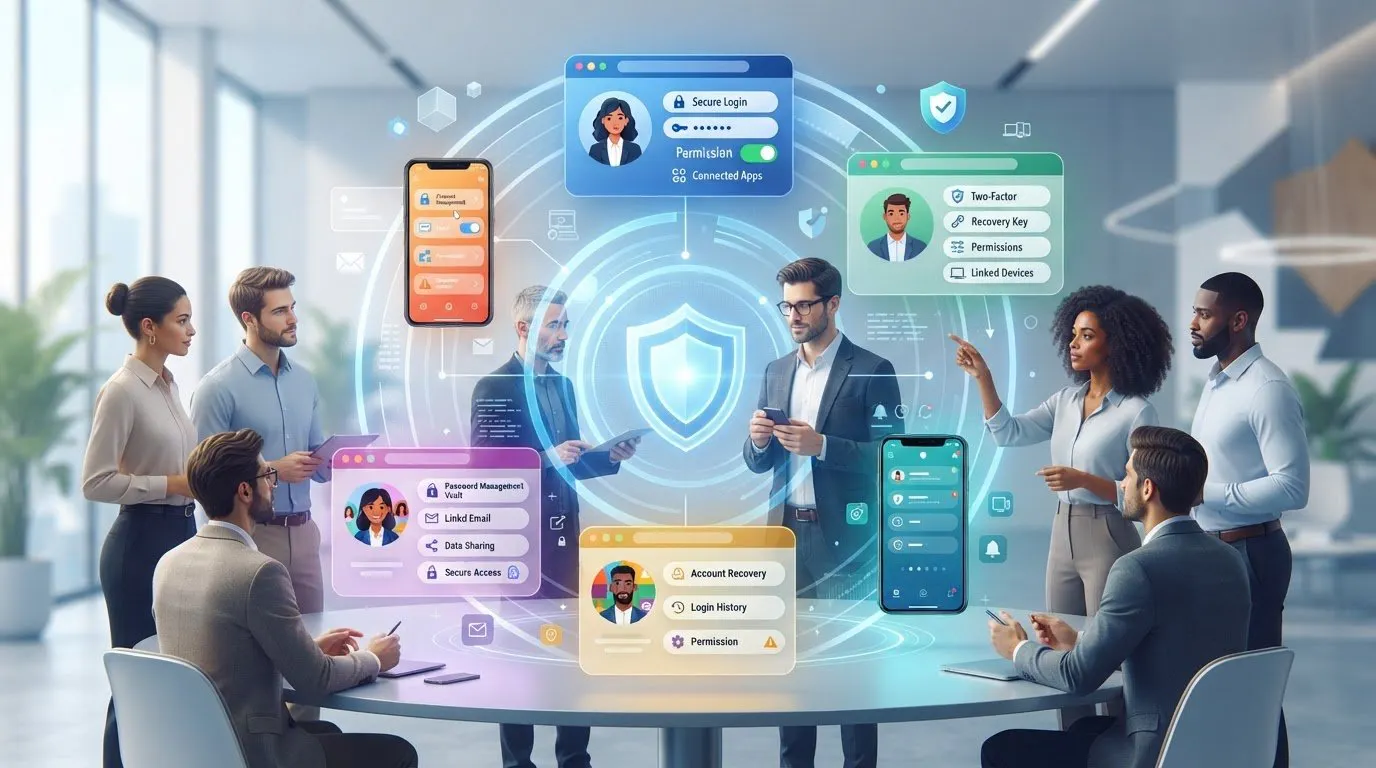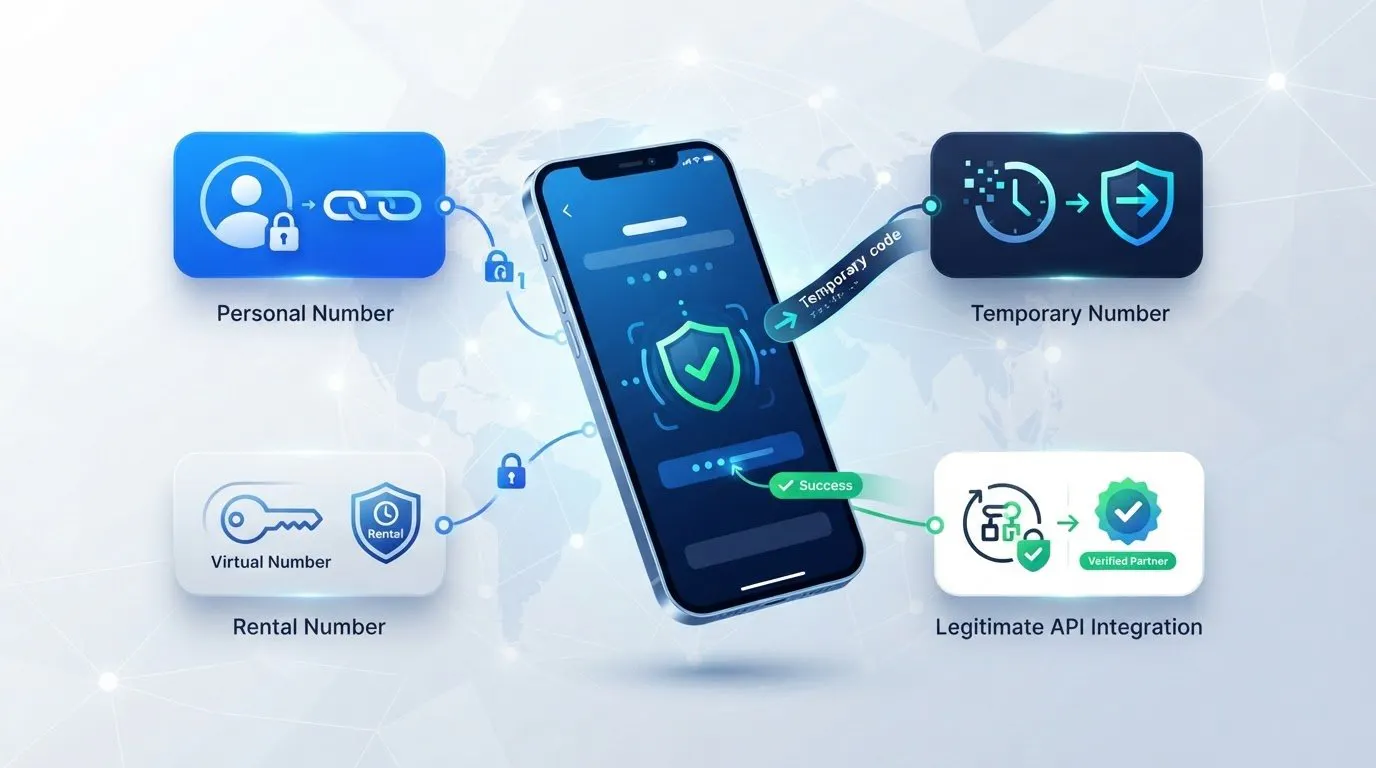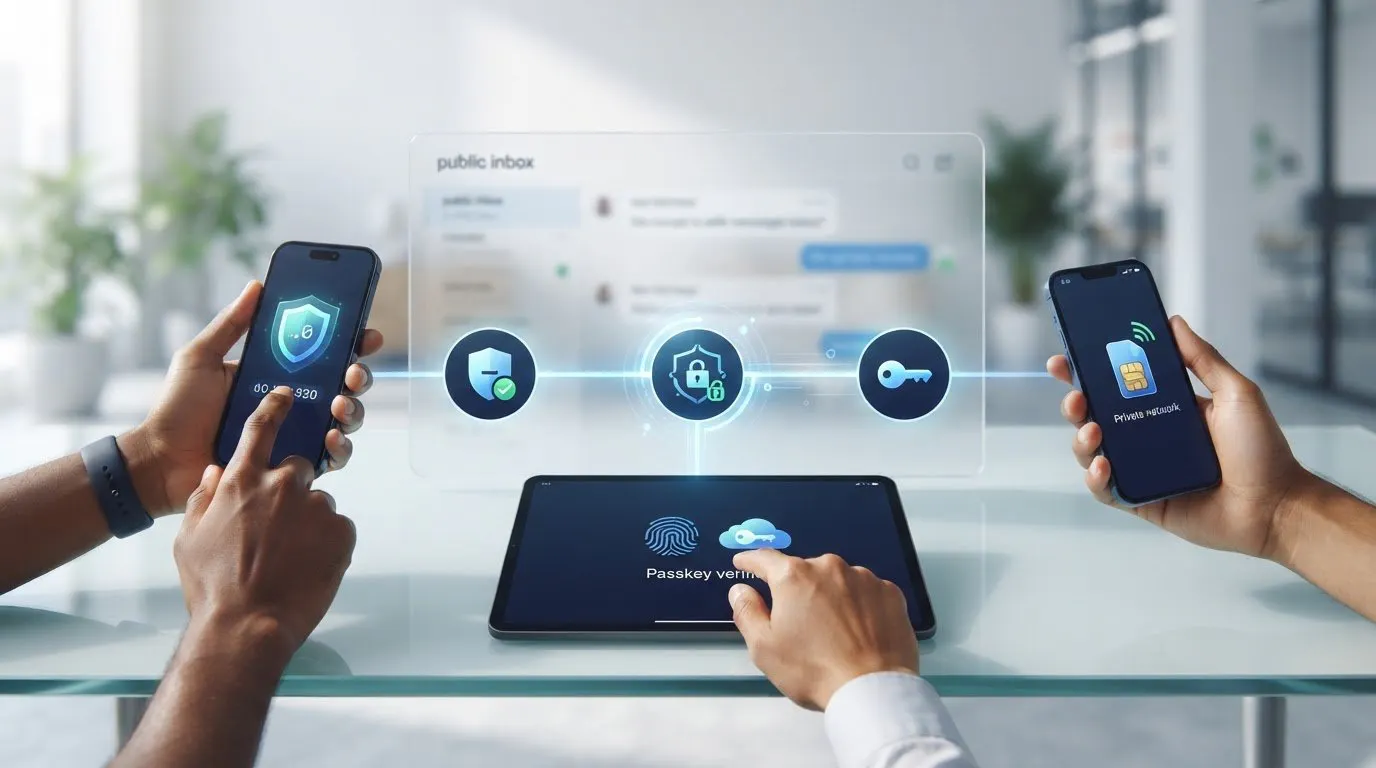
A free option can be a risky way to receive a verification code. Public SMS inboxes are convenient, but other visitors may be able to see incoming messages, and a free number may be unavailable or rejected by the service you’re trying to verify. If you’re weighing alternatives to receiving sms online for free, start with what you need: one code, continued access to an account, or a method that doesn’t use SMS.
It’s reasonable to want more privacy without tying every account to your personal number. But if you’ll need recovery or verification messages later, a temporary option can create a continuity problem. This guide compares public inboxes, personal numbers, authenticator apps, passkeys, and paid number services so you can match a method to the account and its verification requirements.
You’ll learn when an authenticator app is a practical fit, when SMS activation suits a single task, and when renting a number makes more sense for future messages. You’ll also see how a private number service differs from a shared public inbox, and why no number type is guaranteed to work with every platform.
Key Takeaways
- Match your verification method to the account’s supported options, from passkeys and authenticator apps to SMS.
- Choose an authenticator app when the service supports it and you want codes without SMS delivery.
- For alternatives to receiving sms online for free, weigh privacy against whether you’ll need access to future recovery messages.
- Use SMS activation for a single verification task, or consider number rental when continued access matters.
- Compare each method’s setup effort and platform support before relying on it for an important account.
Table of Contents
- Why look for alternatives to receiving SMS online for free?
- Which alternatives can replace a free online SMS inbox?
- How do free inboxes, apps, and private numbers compare?
- How to choose an alternative for your verification scenario
- When Anosim SMS activation or number rental makes sense
Why look for alternatives to receiving SMS online for free?
A free online SMS inbox can solve a short-term access problem, but it may expose the code meant to verify an account. Many services display messages sent to shared numbers on a public webpage. Anyone who can open that number’s inbox may be able to read a new verification code before it expires.
Definition: A public SMS inbox displays messages sent to a number shared with other users. A private number service provides a different way to receive messages, rather than displaying them in a shared public feed.
That distinction matters because an SMS code is a temporary credential. If someone else sees it, they could use it in an account access attempt, especially if they also know the account identifier or password. SMS is a standard messaging technology used for purposes including verification; the Short Message Service (SMS) overview provides background on how it works. A code’s short validity period limits exposure, but it doesn’t make a publicly visible message private.
What does receiving SMS online for free usually mean?
Typically, a website lists one or more phone numbers and displays messages sent to them in a browser. Depending on the service, an inbox may be accessible without an account, and message visibility and retention can vary. Don’t assume every site handles messages the same way or offers the same level of privacy.
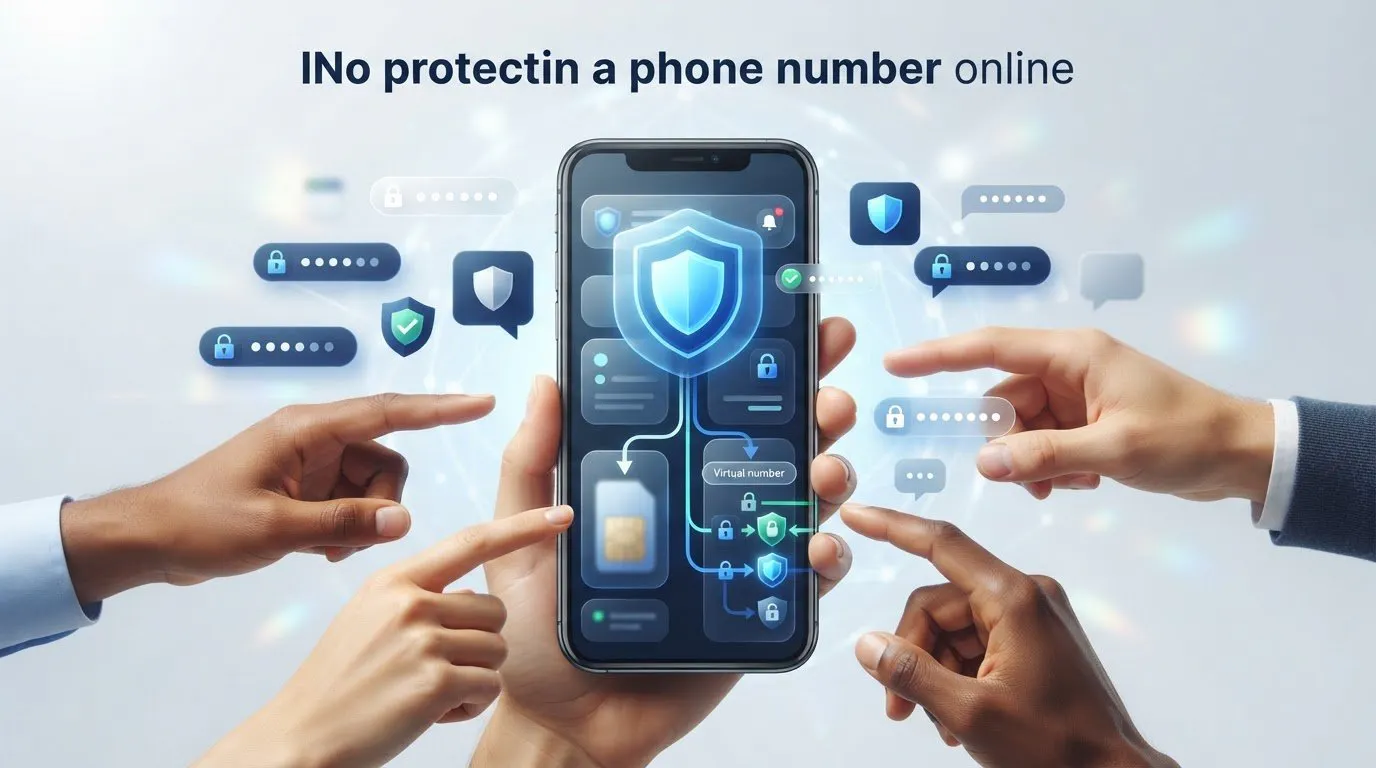
A private virtual number is different from a shared public inbox: messages are received through a number service rather than a publicly viewable feed. This can limit who sees the message, but it doesn’t guarantee a platform will accept the number or make every verification method risk-free.
What are the main trade-offs?
Shared numbers create uncertainty at several points. A message may be visible to other visitors, arrive late, or fail to appear. The number may also be used by multiple people over time, so it might be unavailable when you need it or already associated with an account. If you don’t control continued access to a shared number, you may have no reliable way to receive a later recovery code.
- Message visibility: If the inbox is public, someone else may read a code intended for you.
- Number reuse: A shared or recycled number can complicate account creation, access, or recovery.
- Delivery and availability: Messages may not arrive, and a number may not be available when you need it.
- Platform acceptance: Services decide which number types they accept. A free number may be rejected, and no number option guarantees acceptance everywhere.
These limitations make free inboxes a poor fit for accounts that contain sensitive information or require dependable recovery access. The practical alternatives to receiving sms online for free depend on how the account handles verification and whether you’ll need future messages. For a low-stakes, one-time task, convenience may matter most. For an account you plan to keep, prioritize control and continuity.
Which alternatives can replace a free online SMS inbox?
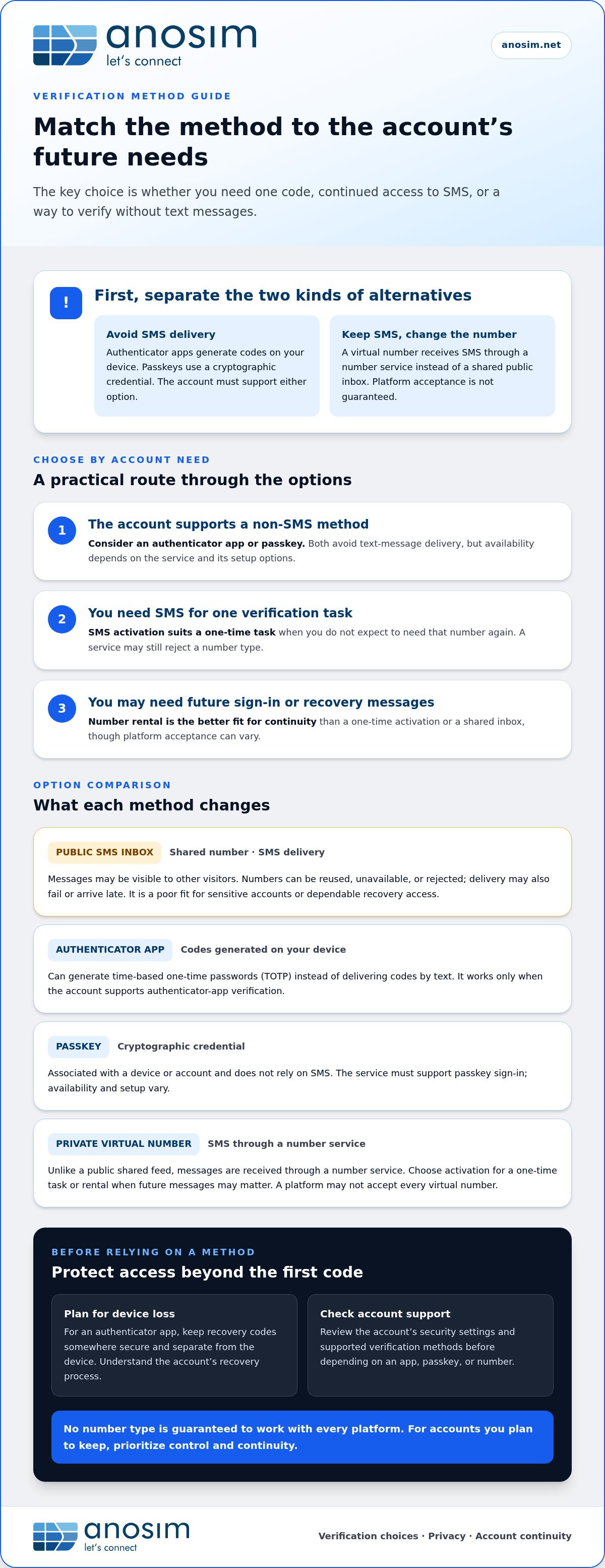
First separate options that avoid SMS from options that receive SMS through a different kind of number. Authenticator apps and passkeys can replace text-message verification only when the account supports them. A virtual number changes where you receive SMS, not how the account verifies you.
Authenticator apps generate verification codes on your device; virtual-number services receive verification codes by SMS. The first option removes the text-message step. The second keeps it, while providing an alternative to a publicly shared inbox. This distinction helps narrow your choices before you change an account’s security settings.
Authenticator apps and passkeys
An authenticator app can generate time-based one-time passwords, often called TOTP codes. During setup, the account provides a secret, commonly through a QR code, and the app uses it to produce codes that change over time. The codes are generated in the app rather than delivered in a text message. This works only if the account offers authenticator-app verification.
Passkeys are another non-SMS option. They use a cryptographic credential associated with a device or account, and the account must support passkey sign-in. Availability and setup vary by service, so look in the account’s security settings for options such as “passkey” or “security key.” For general cybersecurity guidance, consult the Cybersecurity and Infrastructure Security Agency (CISA).
Plan for device loss before switching. Save any recovery codes in a secure place separate from the device used for authentication, and understand the account’s recovery process. If an authenticator app offers backup or transfer features, review how they work and protect access to the associated account. A sign-in method is only useful if you can still regain access when your device is unavailable.
Private virtual numbers for SMS verification
If an account requires SMS, a virtual number can receive its code without relying on a public shared inbox. The delivery method is still SMS, but you receive messages through a number service instead of a public feed. Platform policies differ, so a virtual number may not be accepted by every service.
Match the number arrangement to the account’s expected lifespan. SMS activation suits a one-time verification task when you don’t expect to need that number again. If you may need future sign-in or recovery messages, number rental is a better fit for continuity. Anosim provides inbound SMS activation and virtual number rental for these different needs.
Before choosing, check the account’s available verification and recovery methods. If it supports a passkey or authenticator app, those may remove dependence on SMS. If it requires a text, Anosim’s SMS activation provides an account-based option for a single verification task, without using a public shared inbox.
How do free inboxes, apps, and private numbers compare?
No single verification method is best for every account. The right fit depends on what the service supports, how much privacy you need, and whether you expect to sign in or recover the account again. Use this comparison to narrow the alternatives to receiving sms online for free, then check the account’s own security settings before deciding.
- Public inbox: privacy: low if messages are publicly viewable; SMS dependence: yes; account continuity: low, access to a shared number may change; setup effort: usually low; platform support: varies, numbers may be rejected.
- Personal number: privacy: links verification to your number; SMS dependence: yes; account continuity: can support future messages while you retain the number; setup effort: low if already set up; platform support: varies by account and number.
- Authenticator app: privacy: codes are generated in the app; SMS dependence: no; account continuity: depends on device access and recovery setup; setup effort: requires account setup; platform support: only where offered.
- Passkey: privacy: uses a device- or account-based credential; SMS dependence: no; account continuity: depends on account recovery and credential access; setup effort: requires supported setup; platform support: only where offered.
- Private virtual number: privacy: messages are accessed through a number service, not a public inbox; SMS dependence: yes; account continuity: can suit future SMS access, depending on the service arrangement; setup effort: requires account and number setup; platform support: varies, acceptance isn’t guaranteed.
These are practical distinctions, not a universal ranking. SMS still carries security considerations; DEKRA’s “Exploring SMS Security” whitepaper discusses risks that can help explain why an account-supported app or passkey may be preferable for some users. Whatever method you choose, it only works if the service accepts it.
Which method offers the most control over future access?
For repeated verification or account recovery, continuity matters more than quick setup. A public shared number doesn’t give you exclusive ongoing access. A personal number or a virtual number accessed through a number service may be more suitable if you need future SMS, but neither guarantees permanent access to the number or account. Review the account’s recovery options and keep them current.
Which method fits a one-time signup?
If the service supports an authenticator app or passkey, either may let you complete verification without SMS. For an SMS-required signup you don’t expect to revisit, an activation service can receive an inbound verification code without using a public inbox. That one-time need differs from ongoing recovery, where continued number access matters. Anosim’s SMS activation options are designed for inbound verification SMS.
How to choose an alternative for your verification scenario
Choose a verification method around the account, not just the signup screen. A quick registration and an account you’ll depend on for years have different recovery needs. Before choosing among alternatives to receiving sms online for free, check the service’s security settings and consider what happens if you lose access to your device or number.
A five-step decision process
- Check the account’s supported methods. Look for passkeys, authenticator apps, and SMS in its security or sign-in settings. Use only methods the account actually supports.
- Consider the account’s importance. For an account holding sensitive personal or financial information, avoid a publicly visible inbox and prioritize a supported method that limits exposure.
- Decide whether you’ll need access again. A one-time signup may need only one verification code. An account you’ll keep may require future sign-in, password-reset, or recovery messages.
- Select the method that matches the need. If the service supports an authenticator app or passkey, consider using one rather than SMS. If SMS is required, weigh how messages are accessed and whether you need continued access to the number.
- Prepare a recovery route. Save recovery codes securely and separately from your primary device. Check that you understand the account’s backup process before you finish setup.
This sequence helps prevent a common mismatch: choosing a convenient number for signup, then discovering later that the account sends recovery codes to that same number. If future access matters, build continuity into the decision from the start. No verification method can replace the account’s own recovery rules, so review those before relying on a new setup.
Avoid common verification pitfalls
Don’t use a publicly visible inbox for an account containing sensitive personal information. A code displayed to others can undermine the privacy of the verification step. Also avoid treating a phone number as the only recovery path. Store backup codes away from the device used for sign-in, and keep recovery details current if the account allows you to update them.
Platform compatibility is another practical constraint. A service may reject a number based on its own verification rules, and acceptance can vary by platform. Don’t assume a particular virtual number will work everywhere or that successful signup guarantees future recovery access. For a continuing account, consider whether you’ll be able to access the number and receive messages for as long as you expect to need them.
If your account requires a text for a single verification task, Anosim’s inbound SMS activation is an option instead of a public inbox. For longer-term access, choose a number arrangement that fits your expected recovery needs.
When Anosim SMS activation or number rental makes sense
Match the SMS option to how long you expect to need the number. Anosim provides inbound SMS activation and virtual number rental. Activation suits a specific verification task; renting a number is more relevant when you expect future messages and need continued access.
Choose activation or rental based on duration
For a single signup or verification step, SMS activation provides a way to receive the inbound code without using a public inbox. It’s a focused option when you don’t expect to need that number for later sign-ins or recovery. If the account may send another code in the future, consider continuity before choosing a one-time method.
Number rental is designed for situations where continued access to a number matters. This can be useful for an account you plan to keep, particularly if its recovery process may rely on SMS. Explore Anosim’s virtual number rental options when future messages are part of your plan. Rental doesn’t guarantee access to an account indefinitely, so keep the platform’s recovery requirements in view.
- Choose activation when you need an inbound verification message for a one-time task.
- Consider rental when you expect repeat verification or recovery messages and need ongoing number access.
Set expectations before using an SMS-based option
Anosim’s SMS services handle inbound messages. They don’t provide outgoing SMS or voice calls. Before starting verification, review the target platform’s instructions and policies. Each service decides which verification methods and number types it accepts, so a number may not work for every account or platform.
Think about the account’s likely use, too. A low-stakes signup with no expected follow-up has different requirements from an account you’ll rely on for ongoing access. If SMS is required, choose between activation and rental based on whether the code is a one-time need or future messages are likely. If the platform supports an authenticator app or passkey instead, those options may better match your security needs.
The alternatives to receiving sms online for free aren’t interchangeable: some replace SMS, while others provide a different way to receive an SMS code. Choose based on the account’s supported methods, your privacy needs, and how long you’ll need access to verification messages. Compare SMS activation options with your account’s requirements before you begin.
Choose a verification method you can rely on
Align the verification method with the account’s security settings and how long you expect to need access. The best alternatives to receiving sms online for free aren’t necessarily the same for every account: some services support passkeys or authenticator apps, while others require an SMS code. Plan for recovery before completing signup, especially if you expect to keep the account.
If SMS is required, Anosim offers inbound activation for a verification task and virtual number rental for longer-term access. Developers can also use Anosim API v1 and SMS-Activate Standard API compatibility for supported integrations. Platform acceptance depends on the service you’re verifying with, so factor its requirements into your decision.
Compare the available SMS option with your account’s verification and recovery needs, then choose the route that fits. Compare Anosim SMS activation options and take the next step with a method suited to your use case.
Frequently Asked Questions
Are free websites for receiving SMS online safe to use?
They’re a poor choice for sensitive accounts if messages are visible to other visitors. Someone viewing the same inbox could see a verification code while it’s still valid. If you’re assessing alternatives to receiving sms online for free, reserve public inboxes for low-stakes tasks where account access and personal information aren’t important. If you’ve already used one for an important account, review its security settings and change the verification method if the service allows it.
Can an authenticator app replace SMS verification?
Yes, if the account offers authenticator-app verification. For example, if a login screen lets you choose an app instead of texting a code, you can set up an authenticator and use its generated code at sign-in. The app won’t replace SMS if the service only offers text-message verification. Before switching, save the account’s recovery codes somewhere secure and separate from your phone.
Can I use a passkey instead of receiving a verification text?
Yes, when the service supports passkeys for the sign-in or verification step you need. A passkey may let you authenticate using a device’s built-in security features rather than requesting an SMS code. Check the account’s sign-in settings for passkey setup, then confirm how you’ll access the account from another device or recover it if your primary device is lost. Support differs between platforms.
Why do free online SMS numbers fail to receive verification codes?
A code may fail to arrive because the number is unavailable, has been reused, or isn’t accepted by the platform. Some services also restrict temporary or VoIP numbers. Check that you entered the number correctly, wait for the platform’s stated resend interval, and avoid repeated requests that could trigger additional restrictions. If the number is rejected or remains unavailable, use another verification method supported by the account.
Is a virtual number better than a free public SMS inbox?
It can be a better fit if you want to receive messages through a number service rather than a publicly viewable inbox. That distinction can reduce exposure to other visitors, but it doesn’t guarantee that a platform will accept the number or that you’ll retain access indefinitely. Consider the account’s sensitivity, its verification rules, and whether you’ll need future recovery messages before choosing.
Should I use a temporary number for an account I may need later?
Usually, avoid relying on a one-time number if future sign-in or recovery may require another text. For example, an account used for work or storing important files may prompt you to verify your identity again after a password reset. Choose a method you can access later, and set up a backup method where available. Keep recovery codes somewhere secure and separate from your main device.
Does a paid SMS activation service guarantee that a platform will accept its number?
No. The platform determines which number types it accepts, and its rules may vary by service or account. A paid activation service can provide a way to receive an inbound verification code, but it can’t ensure a platform will accept a number or deliver a code. Before relying on SMS, review the platform’s verification options and consider a supported passkey or authenticator app as an alternative.