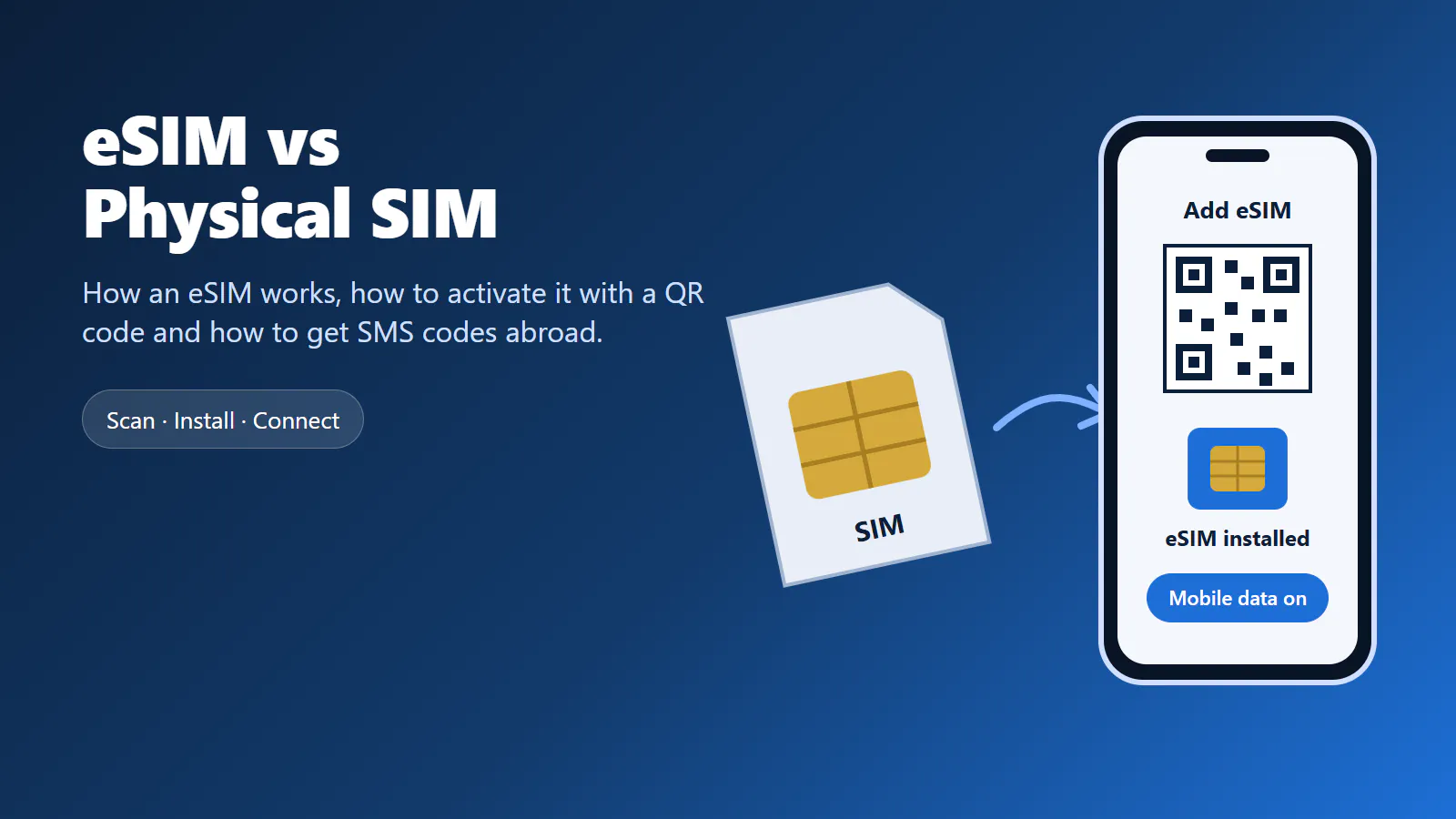
Your phone no longer needs a plastic card to get online. An eSIM is a SIM that is built into the device, and a mobile plan is loaded onto it as a digital profile. That makes it easy to buy mobile data before a trip, install it in a few minutes and keep your regular SIM card where it is.
But an eSIM is not simply a physical SIM without the plastic. It is set up differently, it is moved differently, and depending on the plan it may not include a phone number at all. This guide explains how an eSIM works, how it compares to a physical SIM, how to activate one and what to do when it does not connect. Anosim has just launched its own eSIM data plans, and the last section shows how buying one works on Anosim.
Key Takeaways
- An eSIM is a chip built into your device; the mobile plan is installed on it as a digital profile instead of being stored on a removable card.
- The main difference to a physical SIM is how a plan gets onto the phone: you scan a QR code or install it in the settings instead of inserting a card.
- Many phones can use a physical SIM and an eSIM at the same time, so you can keep your usual number and add mobile data for a trip.
- New: Anosim now offers eSIM data plans for a country or region. They do not include a phone number, so calls and SMS do not run over them.
- For SMS verification codes while you travel, combine the data eSIM with an Anosim number for activation or rental.
Table of Contents
- What is an eSIM?
- How does an eSIM work?
- eSIM vs physical SIM
- How to activate an eSIM
- eSIM not working? What to check
- Data eSIM and SMS codes
- Anosim eSIM
What is an eSIM?
The “e” in eSIM stands for embedded. Instead of a removable card in a tray, the SIM is a small chip soldered into the phone, tablet or smartwatch. The chip itself does not belong to any network. A mobile plan only becomes active when a digital profile from a provider is installed on it.
A physical SIM card works the other way round: the plan is tied to the card. If you want to use a different plan, you need a different card, and that usually means a shop visit or a delivery by post. With an eSIM, the new plan arrives as a download.
Most recent smartphones support eSIM, as do many tablets and some smartwatches. Whether a specific device supports it depends on the model and, in some cases, on the region it was sold in. The quickest way to check is in the phone settings, usually under mobile data, mobile network or SIM: if you see an option to add an eSIM, the device supports it.
How does an eSIM work?
An eSIM works with the same mobile networks as a physical SIM. The difference lies in how the plan gets onto the device.
When you buy an eSIM plan, the provider creates an eSIM profile for you. The profile contains what your phone needs to log in to the network, the same information a physical SIM card holds. You receive it as a QR code or as an activation code. When you scan the code, the phone downloads the profile and stores it on the eSIM chip.
From then on, the eSIM shows up in the settings like a second SIM line. You can switch it on and off, rename it, choose it for mobile data and, on phones that support it, use it next to a physical SIM. Many devices can store several eSIM profiles, even if only one or two are active at the same time.
Because an eSIM profile is stored on the device, you do not lose a tiny card when you change phones. On the other hand, you cannot simply move it to another phone by hand. Depending on the device and the plan, moving an eSIM means a transfer in the settings or a new profile from the provider.
eSIM vs physical SIM
Both connect your phone to the same networks, so the difference is not in the coverage. It is in how you get, use and move the plan.
- Getting a plan: A physical SIM has to be bought in a shop or sent by post. An eSIM plan can be bought online and installed right away.
- Installation: A physical SIM goes into the SIM tray. An eSIM is added in the phone settings, usually by scanning a QR code.
- Switching plans: With a physical SIM you swap cards. With an eSIM you switch between profiles in the settings.
- Using two lines: On many phones a physical SIM and an eSIM work at the same time, for example your usual number plus mobile data abroad.
- Changing phones: A physical SIM moves with the card. An eSIM has to be transferred in the settings or installed again on the new phone.
- Loss or damage: A physical SIM can be lost or damaged. An eSIM cannot be removed from the device, so it cannot get lost on its own.
- Device support: Almost every phone takes a physical SIM. eSIM support depends on the model.
Neither one is better in general. A physical SIM is the simple choice for your main number on an older phone or if you change devices often. An eSIM is especially practical for travel: you buy mobile data for the country you are going to, install it before you leave and keep your regular SIM card in the phone.
How to activate an eSIM
The exact menu names differ between phone models, but activation follows the same pattern on almost every device.
1. Check that your phone supports eSIM
Open the settings and look for mobile data, mobile network or SIM. If there is an option to add an eSIM or a mobile plan, you are ready. If your phone was locked to a carrier, check that it is unlocked before you buy a plan from another provider.
2. Connect to Wi-Fi
The phone has to download the eSIM profile, so it needs an internet connection during installation. Wi-Fi at home or at your hotel is the most reliable option.
3. Scan the QR code
Choose the option to add an eSIM and scan the QR code you received from the provider. If you cannot scan it, most phones also accept the activation code entered by hand. Confirm the installation and give the new line a clear name, such as “Travel data”.
4. Choose the eSIM for mobile data
If you keep your physical SIM in the phone, set the eSIM as the line for mobile data. Your regular SIM can stay active for calls and SMS on your usual number.
5. Turn on data roaming if needed
Many travel eSIMs connect to a partner network in the destination country. On some phones this only works when data roaming is switched on for the eSIM line. Check the instructions of your plan to see whether you need it.
Installing the eSIM before your trip and switching it on after you arrive saves you from searching for Wi-Fi at the airport.
eSIM not working? What to check
If the eSIM is installed but does not connect, the cause is usually a setting rather than the plan itself. Go through these points in order:
- Is the eSIM line switched on? In the SIM settings the line has to be active, not just installed.
- Is it selected for mobile data? With two lines, the phone may still use the physical SIM for data.
- Is data roaming on? If the plan uses a partner network, roaming has to be enabled for the eSIM line.
- Are you in a covered country? A country plan only works in that country, a regional plan only in the countries of that region.
- Has the network been selected? Switching flight mode on and off, or restarting the phone, makes it search for a network again.
- Is the phone carrier-locked? A locked phone may refuse eSIM profiles from other providers.
One thing to avoid: do not delete an eSIM profile to “reset” it. A deleted profile often cannot be installed again from the same QR code. If nothing helps, contact the provider’s support with the name of your plan and what the phone shows.
Data eSIM and SMS codes
Many travel eSIMs, including the ones from Anosim, are data plans. They give your phone mobile internet, which covers maps, messengers, email, ride-hailing apps and online banking. What they do not include is a phone number, so the eSIM line cannot receive SMS.
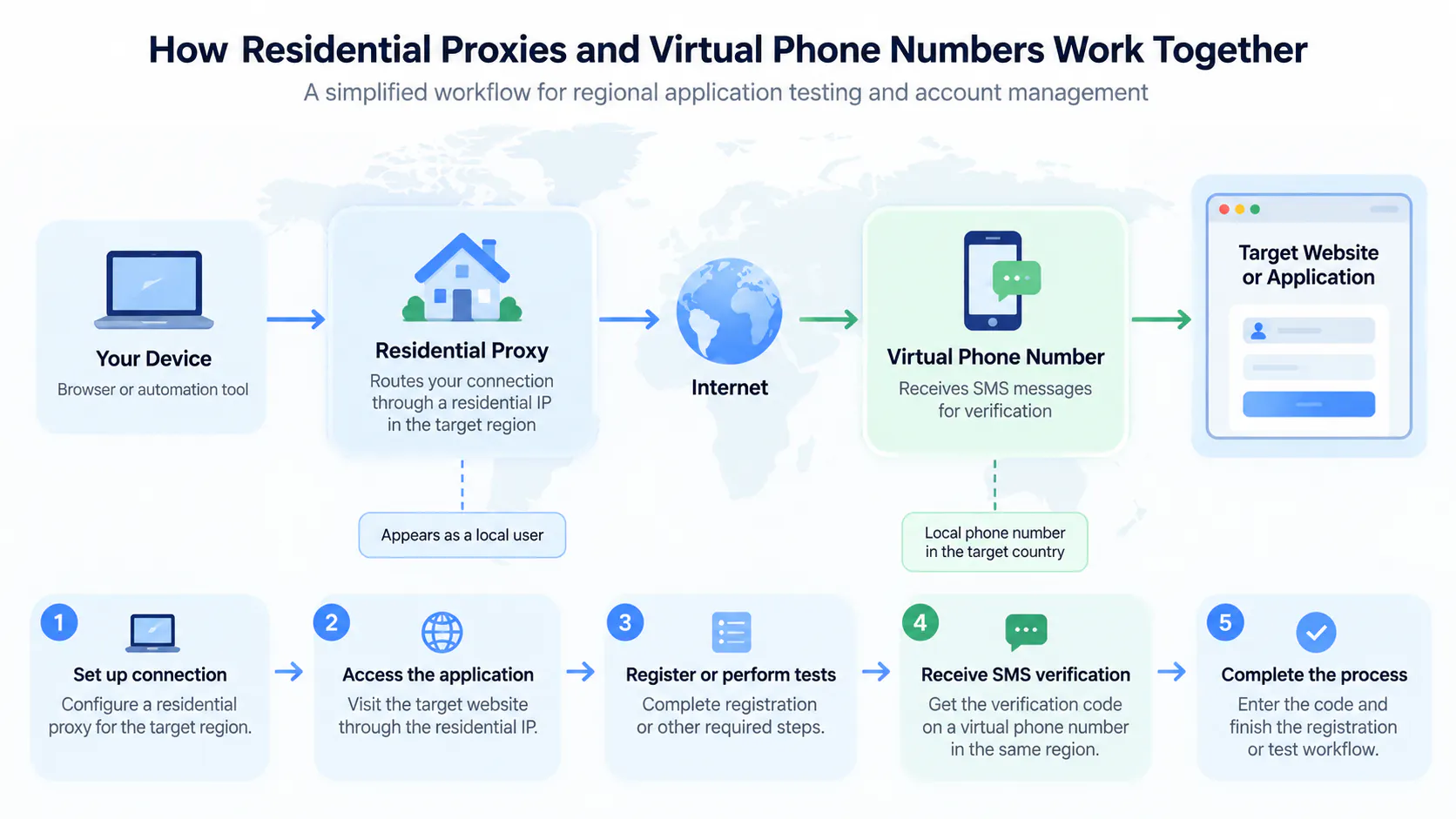
That matters as soon as a service asks for a verification code. If you want to register for a local app abroad, open an account with a service in another country or confirm a login without using your personal number, a data eSIM alone will not help.
The solution is to combine the eSIM with a number for SMS codes:
- SMS Activation gives you a number to receive a single verification code.
- Rent Service keeps a number for one service, useful if you need to verify again later.
- Rent Number gives you a whole number for every service.
The eSIM keeps you online, the Anosim number receives the code, and your personal number stays private. Anosim numbers run on real SIM cards. If you mainly need a number that works without a SIM in your phone, our guide on verification without a SIM card covers the details.
Anosim eSIM
Anosim now offers eSIM data plans for a large number of countries and regions, from single countries such as the USA, Japan, Thailand or Switzerland to regional plans for Europe. Buying works the same way as everything else on Anosim:
- Choose a country or region: Pick the country you travel to, or a region if your trip covers several countries.
- Pick a data plan: The available plans for that destination are shown in the order form.
- Pay from your balance: The plan is paid from your Anosim balance, the same balance you use for numbers.
- Scan the QR code: After the purchase you get a QR code to install the eSIM. Your plans are listed under My eSIM Plans in your account.
The eSIM is prepaid: there is no contract and no monthly fee. If you have a question about your eSIM, support is available 24/7 via Telegram, the chat on the website and email.
Frequently Asked Questions
What is the difference between an eSIM and a physical SIM?
Both connect to the same mobile networks. A physical SIM is a removable card that holds the plan, while an eSIM is a chip built into the device onto which the plan is downloaded as a digital profile. You install an eSIM by scanning a QR code instead of inserting a card.
How does an eSIM work?
The provider creates an eSIM profile with the information your phone needs to log in to the network. You receive it as a QR code, the phone downloads it and stores it on the built-in eSIM chip. After that, the eSIM works like a second SIM line.
How do I activate an eSIM?
Connect to Wi-Fi, open the SIM or mobile data settings, choose to add an eSIM and scan the QR code from your provider. Then select the eSIM for mobile data and, if your plan requires it, turn on data roaming for that line.
Can I use an eSIM and a physical SIM at the same time?
Yes, on phones that support both at once. Many travellers keep their usual number on the physical SIM and use the eSIM for mobile data abroad.
Does an eSIM have a phone number?
That depends on the plan. Some eSIM plans include a number, but many travel eSIMs are data only. Anosim eSIMs are data plans without a phone number; for SMS codes you can use an Anosim number alongside them.
Why is my eSIM not working?
Usually because the eSIM line is not switched on, not selected for mobile data or needs data roaming enabled. Also check that you are in a country covered by the plan and restart the phone. Avoid deleting the profile, as it often cannot be installed again.
Is an eSIM better for travel?
For many trips, yes. You can buy mobile data online before you leave, install it in minutes and keep your regular SIM card in the phone, without looking for a local SIM shop after you arrive.