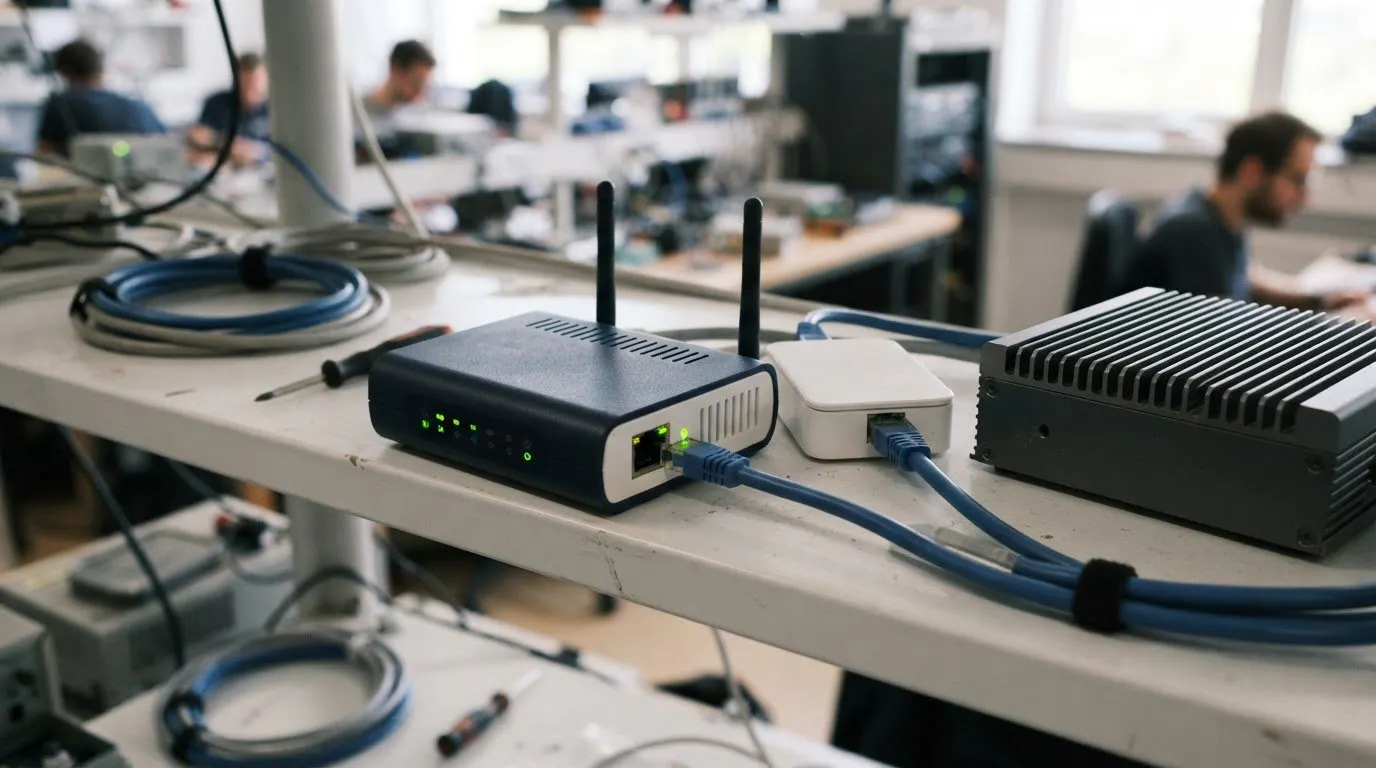
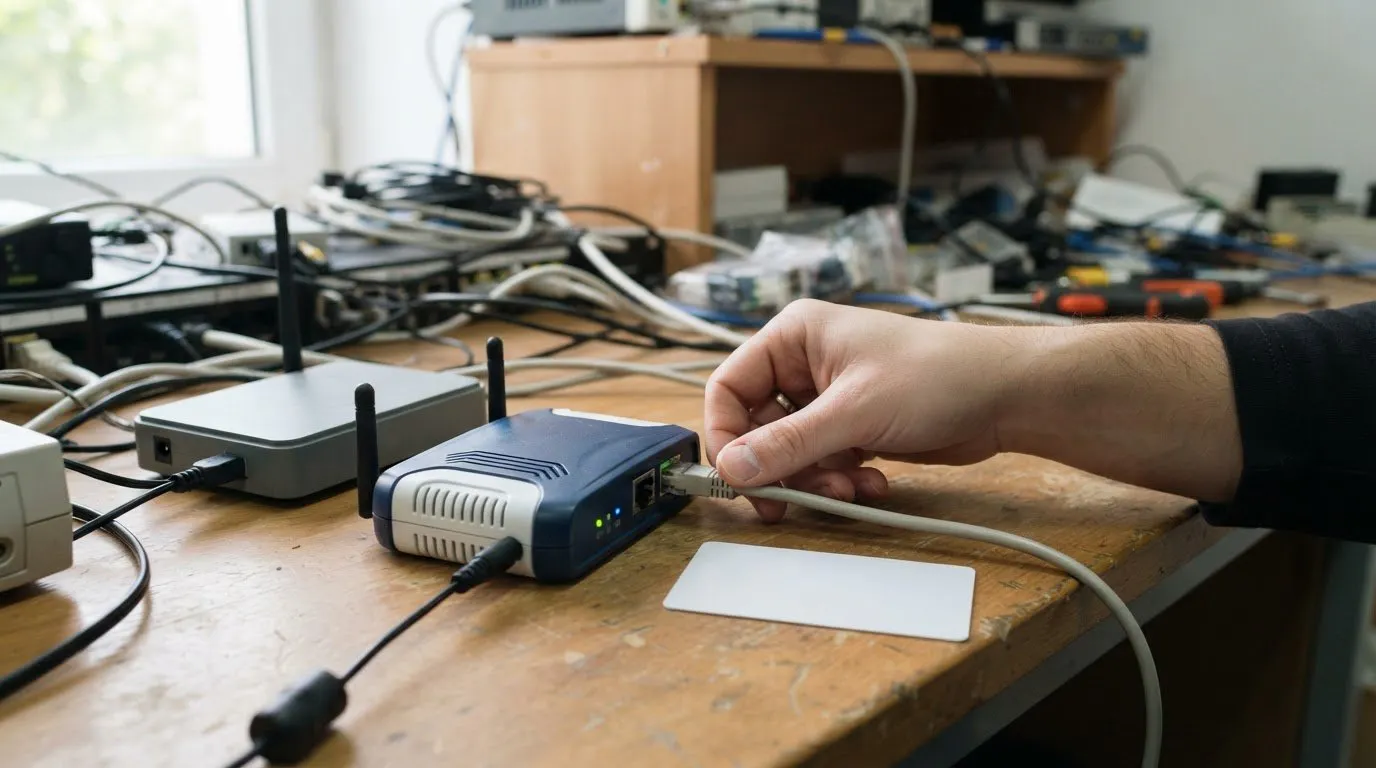
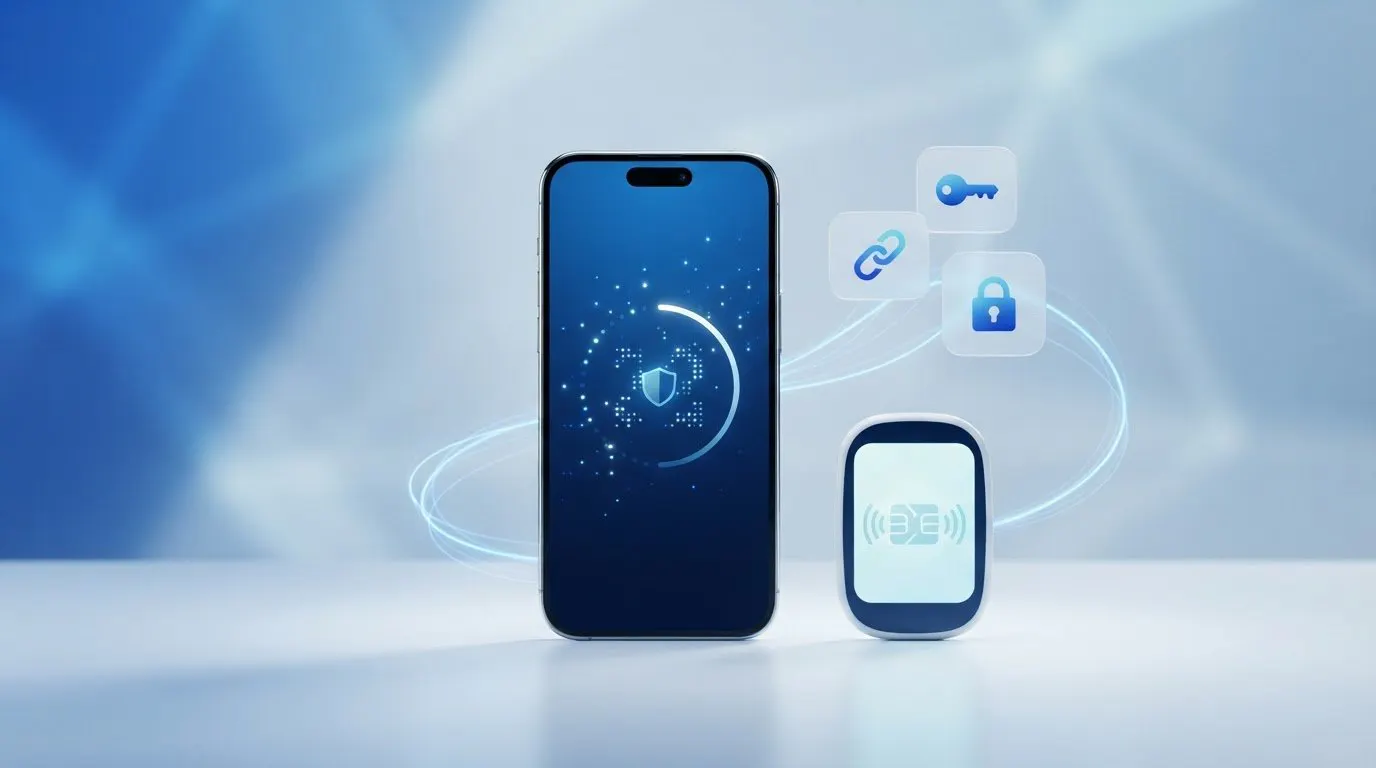
The lowest-cost option isn’t always a free phone number. A cheap SMS verification service provides a number for receiving a one-time password (OTP), while free-number availability and acceptance depend on the platform you’re verifying with. Choose an option that fits your task and makes the billing and message-retrieval process clear.
It’s reasonable to want a clear process before you spend time integrating or testing OTP delivery. This guide explains how to receive a verification code, test an OTP flow, and access an API for automation. It also covers what to look for in bulk-discount terms and what information to include when requesting a refund after a missing SMS. You’ll see how temporary activation differs from renting a number for longer use, so you can match the setup to your workflow rather than choosing on price alone.
Key Takeaways
- For a missing SMS, use the service’s refund process and include the activation details needed to identify the request.
- Choose between API integration and manual use based on your workflow, then review how bulk terms apply to your volume.
- Test OTP delivery across signup, login, and two-factor authentication flows to identify where verification may fail.
- Match the number option to the task: a single verification or ongoing access may call for different rental options.
Table of Contents
- Refunds when SMS does not arrive
- API access and bulk discounts
- OTP testing for signups, logins, and two-factor authentication
- Steps for receiving a verification code
- Anosim: Rent Service
Refunds when SMS does not arrive
A missing code can result from delivery delay, an incorrect country prefix, or a platform rejecting virtual numbers. These causes require different responses. First, note the service, selected country, number, and activation status. Then compare the request status with the service’s stated delivery window. A message that arrives after the platform’s code expires may not complete verification, even if delivery eventually succeeds.
Use the transaction record to distinguish an undelivered SMS from a code that arrived but wasn’t accepted. If the activation screen shows no message, note that status before ending the request. If a message appears but the website rejects its code, record the rejection instead. Keep the request identifier and relevant timestamps together so support can locate the transaction.
- Check the number: Confirm the selected country and full international prefix match the target account’s requirements.
- Review the status: Look for an incoming message or a delivery result in the activation interface. Don’t submit repeated requests before checking the first one.
- Submit the case: Use the service’s refund or support process, and include the transaction identifier, number, status, and a concise description.
How a transaction is handled depends on its status and the service’s terms. A request with no received SMS differs from one where a code arrived but the target platform rejected it. Describe the outcome accurately. Don’t report a platform rejection as non-delivery if the code appears in the activation record.
Refund handling depends on the service’s terms and payment method. Check whether an approved refund goes to the original payment method or account balance. Include the transaction reference with your request, but never send full card details or unrelated personal information. Keep a copy of the request and response so you can follow up on the same case without filing duplicates.
API access and bulk discounts
For US users, there’s no universally cheapest SMS verification service. Total cost depends on the country, phone number type, message volume, and whether billing covers delivery attempts or successful verifications. Compare the complete billing model, not only the advertised rate.
Twilio, Vonage, and Plivo offer different communications products, while dedicated verification services focus on OTP workflows. Compare prices only when the country, number type, usage, and billing unit match. A lower per-message rate doesn’t necessarily mean a lower total cost.
Bulk discounts matter when your usage is consistent. Review the published tiers, minimum purchase requirements, eligible countries, and whether unused credit expires. Estimate demand from your own test and production traffic. A tier that requires more volume than your workflow needs can raise total spending, even if its unit rate is lower.
API access can automate number selection, code retrieval, and status handling inside an application. Before integration, map the documented request and response fields to your signup or login flow. Test error handling for delayed messages, invalid requests, and completed activations. For web, iOS, and Android projects, the application can call a backend that communicates with the API, keeping credentials out of client-side code.
Travel use differs from local testing. Choose a country that matches the account’s verification requirements rather than assuming your current location determines the right number. Availability depends on the countries and number types offered by the service. For example, someone abroad may need a US number to test a US account flow.
US short codes, toll-free numbers, and 10DLC aren’t interchangeable formats. Support varies by verification service and target platform, so don’t assume a virtual number in one category will work for every OTP. Match the required number type to the workflow, then test it before scaling usage.
The lowest-cost option depends on whether its country, number type, billing method, and volume terms fit your usage. An advertised unit rate alone can’t tell you which service costs less overall.
Twilio, Vonage, and Plivo offer communications products, while dedicated verification services are built around OTP workflows. Compare costs using the same country, number type, usage volume, and billing unit.

OTP testing for signups, logins, and two-factor authentication
Test each OTP flow separately because signup, login, and two-factor authentication may follow different rules. Start with a test account and virtual number, then record whether the message arrives and the platform accepts the code. This separates delivery issues from application errors. A successful signup test doesn’t guarantee that the same number will work for later logins.
For registration, enter the number in the format the app requests. Make sure the selected country matches the number, then request a code. Check that the interface handles a delayed message and won’t accept an expired code. For example, test whether users can request a fresh code after the first expires.
Test login on both a familiar device and a new session. Confirm that the service sends the code to the expected number and that the login screen clearly reports an incorrect code. For two-factor authentication, test the second step after password entry. Keep password and OTP checks distinct so a failure in one doesn’t obscure the other.
- Record the requested country, number format, and test outcome.
- Check whether repeated requests create confusing or duplicate messages.
- Test a wrong code and an expired code as separate cases.
- Confirm that the application returns to a usable screen after failure.
Country-specific tests matter for international products. For a Netherlands signup flow, select a number that matches the flow rather than assuming a number from another country will behave the same way. Virtual numbers can help test account journeys without using a personal number, but acceptance depends on the platform’s rules. Record a rejected number separately from a message that never arrives.
Use test results to improve the workflow, not to bypass platform controls. Before registering a production account, confirm that the number type fits the service’s stated requirements. Retest after changing the code-entry screen, resend logic, or authentication sequence. This creates a clear record of the failed step and what changed.
Steps for receiving a verification code
Start by identifying the account and country you need to verify. The platform’s requirements determine which number type and country to select. A temporary number may suit a one-time activation, while a rented number can support ongoing use. Before you begin, confirm that you know where incoming messages appear.
- Choose the destination: Select the country and service that match the account’s verification screen.
- Get a number: Copy the assigned number exactly, including its country code.
- Submit it: Enter the number in the target app, then request its SMS code once.
- Retrieve the message: Return to the number’s message view and use the latest code before it expires.
If no message appears, first check the selected country, number format, and activation status. Avoid repeated code requests while the first attempt is active. For example, a number entered without its country code may not match the format the app expects. If the platform rejects a delivered code, treat that separately from an SMS that never arrived.
For US A2P verification, build the flow around a user-initiated request. Explain that the number is being used for account verification, and make further messaging choices clear. Consent and carrier handling depend on the messaging program, so don’t treat an OTP request as permission for unrelated messages.
The cost depends on the country, number type, and intended use. The exact price is shown for the selected country and service before you order.
For a verification workflow that uses a dedicated number, get a number for SMS verification and follow the activation steps.
Anosim: Rent Service
Anosim provides Rent Service for users who need a number for online verification workflows. Choose SMS Activation for a one-time code, or Rent Number when your task requires a rented number. Rent Mobile VoIP is another option for workflows that need a mobile VoIP rental.
The right choice depends on how you’ll use the number. For a single account activation, SMS Activation covers the one-time verification. For continued access to incoming messages, consider Rent Service or Rent Number. Choose according to the platform’s requirements and the length of your workflow, not solely by the lowest advertised rate.
These options let you receive verification messages, but they don’t replace the platform’s account rules. Match the number type to your signup, login, or testing process before you start.
Contact Anosim to discuss which option fits your verification workflow.
Build a verification workflow you can scale
Set a clear success criterion before expanding an OTP workflow. For example, define whether success means the code reaches the number, the platform accepts it, and the intended user completes the step. This helps you identify what to improve without treating every failed attempt as the same problem.
A cheap SMS verification service should suit the workflow, not just an initial test. Start with a defined use case, then adjust the number type or process if your account requirements change. Anosim offers SMS Activation, Rent Service, and Rent Number for different verification needs.
For a one-time activation, choose SMS Activation. If you need continued access to incoming SMS, Rent Service or Rent Number may fit. Match the option to the account process you’re supporting, then keep your verification steps focused and consistent.
Contact Anosim about SMS verification to discuss the next step for your workflow. A clear use case makes it easier to move forward with confidence.
Frequently Asked Questions
Do you have any free phone numbers I could use?
Yes. Anosim offers free virtual numbers in listed countries, including the United States. Availability depends on the country and options shown in the service. Select a US number when the account flow requires a US destination. Free numbers receive verification codes, and the target platform must accept that number type.
Do you provide an API?
Yes, Anosim provides the Anosim API (v1) and SMS-Activate Standard API. Developers can integrate the services into their applications, such as an internal signup-testing tool or an account-verification workflow. The Standard API is designed for existing SMS-Activate integrations, while the custom API is a separate integration option. Keep API credentials on your backend rather than exposing them in a public app.
How It Works?
Select a supported service and country, then choose a number that matches your task. Enter it in the account’s verification form and request a code. SMS Activation handles a one-time OTP, while Rent Service and Rent Number provide rental options. Retrieve the incoming message through the service interface, then enter the code on the platform requesting verification.
How much do SMS verification services charge per verification or message?
Charges depend on the service, country, and whether you choose a single OTP or number rental. Anosim’s SMS Activation is charged per received OTP, while Rent Service is priced according to the selected rental period. Check the service details before choosing, because the billing unit affects how you compare one-time verification with continued access.
Which SMS verification providers have no monthly fee or minimum spend?
Billing terms vary, so compare whether a service charges per received code, requires a recurring plan, or sets a minimum purchase. Anosim’s SMS Activation uses pay-per-code billing. That structure can suit occasional verification tasks better than a recurring arrangement. For ongoing use, compare rental terms separately, because renting a number follows a different billing model.
How do I integrate an SMS verification API into a website or app?
Choose an API, review its documentation, and connect your server to its request and response flow. Anosim offers a custom API (v1) and the SMS-Activate Standard API. The Standard API supports existing SMS-Activate integrations by changing the host. For a website or mobile app, route API calls through a backend, then pass only the required status or code result to the interface.