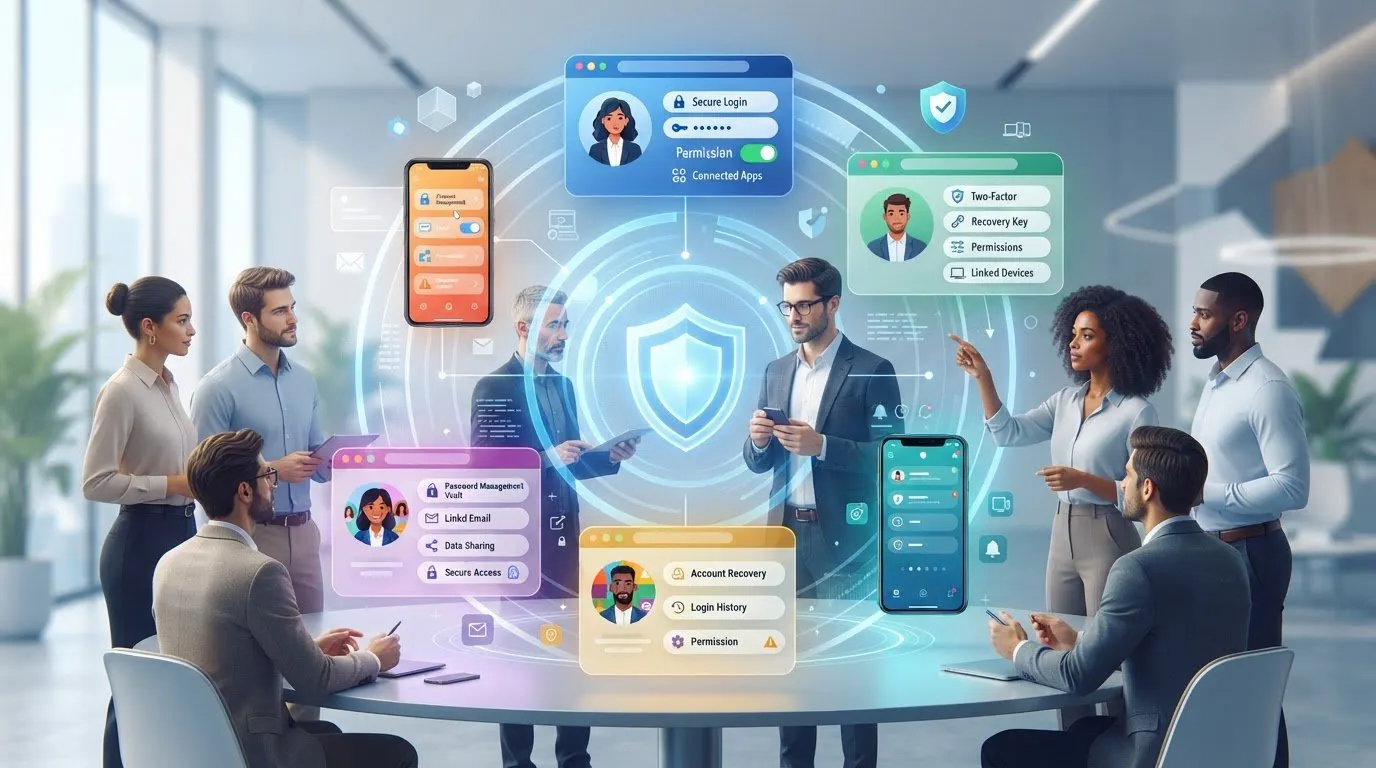
Perfect anonymity online isn’t a practical guarantee, but a carefully separated persona can reduce the personal information linked to your activity. Learning how to create an anonymous online persona means using a distinct identity, email account, and browsing environment while limiting connections to personal accounts, devices, and payments. An IP-masking tool can reduce exposure of your network address, but it won’t erase other identifying signals.
It’s reasonable to want more control over what people and platforms can connect to your real identity. Consistency matters: a separate name won’t protect your privacy if you reuse personal contact details, sign in to familiar accounts, or mix activity across profiles.
This guide explains how IP addresses, email, separate environments, identity choices, and payment methods affect your privacy. You’ll learn to choose between using your real identity, a persistent pseudonym, or greater anonymity, then establish practical boundaries around the persona.
Key Takeaways
- Separate your persona’s email and browsing activity from personal accounts to reduce links to your real identity.
- Choose a dedicated device, profile, or virtual environment based on how much separation your use case requires.
- Decide whether you need a real-name account, a persistent pseudonym, or greater anonymity before creating a profile.
- Consider how payment details and identifying metadata in files could connect online activity back to you.
Table of Contents
- Hiding an IP address and creating a new email account
- Using separate devices, profiles, or virtual environments
- Choosing between a real identity, persistent pseudonymity, and anonymity
- Using payment methods that do not reveal an official identity
- Anosim
Hiding an IP address and creating a new email account
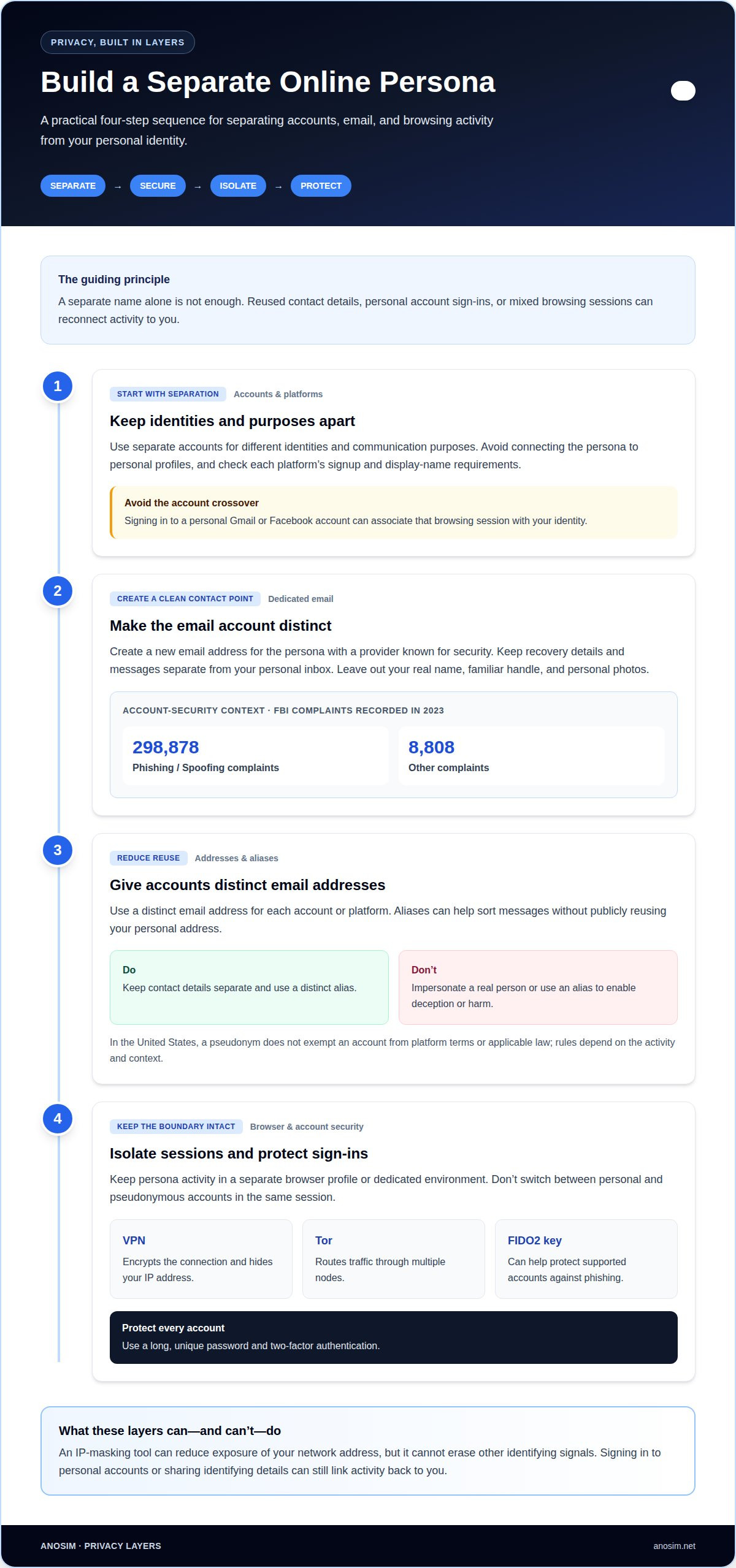
Build separation in layers: create distinct accounts and email addresses, then keep their browsing environment apart from your personal activity.
Separate Online Accounts and Platforms
Use separate accounts for different identities and communication purposes. Email providers, messaging apps, and social platforms may allow pseudonymous accounts, but signup and display-name rules vary. Read each platform’s account requirements and avoid connecting the persona to personal profiles. Signing in to a personal Gmail or Facebook account, for example, can associate that browsing session with your identity.
Create a Privacy-Focused Email Account
Create a new email address for the persona with a provider known for security. Keep its recovery details and messages separate from your personal inbox, and avoid including your real name, familiar handle, or personal photos in the profile. The Federal Bureau of Investigation recorded 298,878 Phishing/Spoofing complaints and 8,808 Other complaints in 2023, underscoring why account security matters.
Create Separate Accounts and Email Aliases
Use a distinct email address for each account or platform, and use aliases to sort messages without publicly reusing your personal address. In the United States, a pseudonym doesn’t exempt an account from platform terms or applicable law; the rules depend on the activity and context. Don’t impersonate a real person or use an alias to enable deception or harm.
Isolate Accounts and Browsing Environments
Keep persona activity in a separate browser profile or dedicated environment, and don’t switch between personal and pseudonymous accounts in the same session. A no-log service such as VPN Secure encrypts the connection and hides your IP address; Tor routes traffic through multiple nodes. Protect each account with a long, unique password and two-factor authentication. A FIDO2 security key can help protect supported accounts against phishing.
Using separate devices, profiles, or virtual environments
Choose a level of separation that matches the sensitivity of the activity. A dedicated device creates a stronger boundary than simply changing browser profiles on your everyday computer.
Use a Separate Device
Use a device dedicated to the persona if you need its files, images, logins, and payment activity kept apart from personal use. Avoid connecting personal cloud accounts or transferring files between devices, because synced photos and documents can contain identifying details. If a second device isn’t practical, create a separate operating-system user and keep its browser, passwords, and downloads distinct.
- Consider a virtual machine or sandbox if a separate computer isn’t available. These environments keep browser state and files apart from the main system, but still run on the same physical device. For a portable setup, a live operating system such as Tails can start from a USB drive; Whonix uses separate virtual machines for different network functions. Understand how each option works before relying on it.
- Set up dedicated hardware with a clean profile and no personal accounts. Keep its use consistent: don’t switch between personal and pseudonymous activity or share browser sessions and files across identities. A separate Android account or sandboxed applications can also create boundaries, although the device itself remains shared.
Coordinate VPN, Browser, and Time Zone Choices
Use the same privacy setup each time you connect. A VPN can mask your IP address, but your browser, device settings, and account behavior can still reveal inconsistencies. Keep the browser profile dedicated to the persona, avoid unnecessary extensions, and use consistent time zone and language settings. Sudden changes in location or routine can make an account appear unusual to a platform.
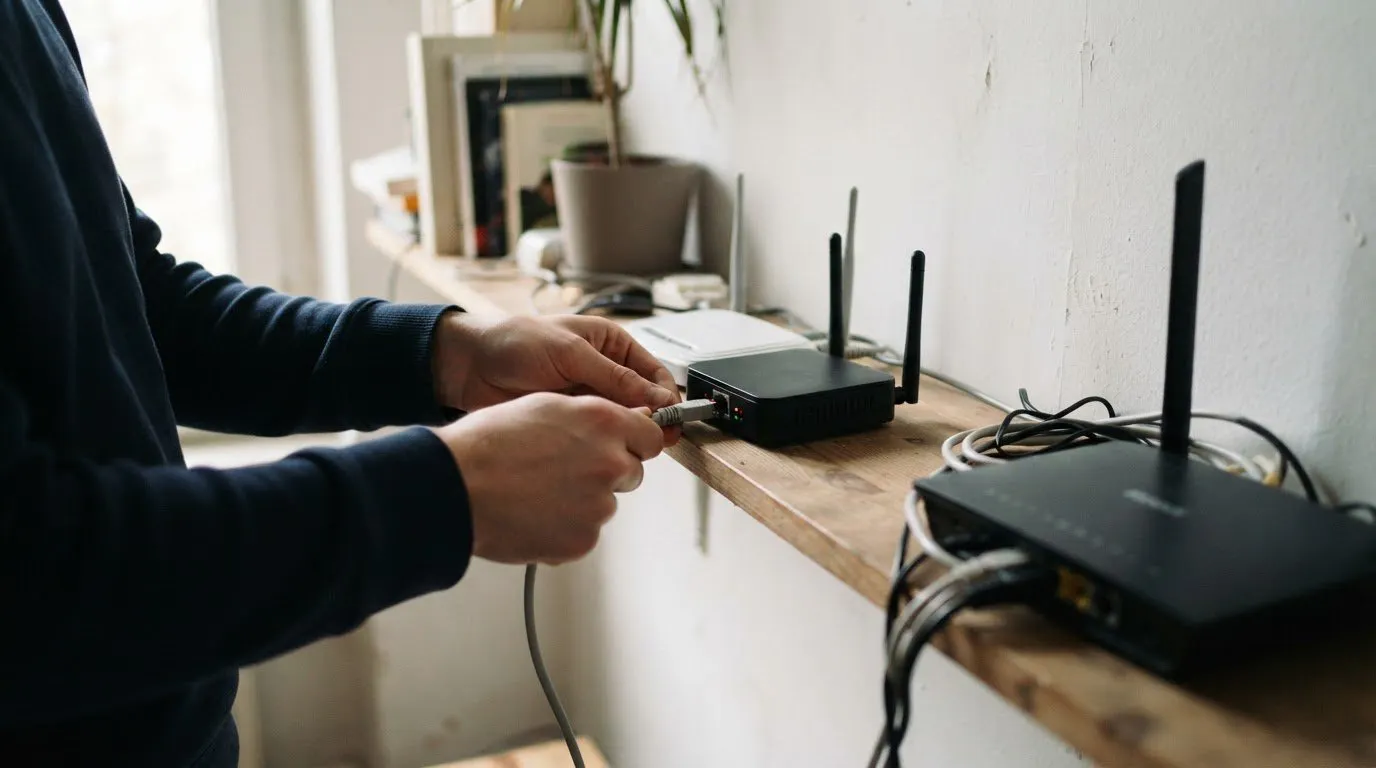
If your setup needs a separate network address, a mobile proxy from Anosim’s partner proxied.com can support that layer of separation.
Choosing between a real identity, persistent pseudonymity, and anonymity
Match your identity choice to the task and the information you need to protect. An ongoing social media profile for research needs different boundaries from a one-time visit to a sensitive source.
Set an Anonymity Threat Model
List what you’re protecting, who might connect it to you, and which clues could reveal the link. For example, someone separating research from a public work profile may focus on account names, contacts, and browsing habits. A VPN hides your IP address and encrypts the connection, while Tor routes traffic through multiple nodes. Neither prevents identification if you sign in to personal accounts or reveal details in posts.
Choose an Identity Approach
Use your real identity when a platform or task requires accurate personal details. Choose a persistent pseudonym when you need a stable name for discussions but don’t want to use your legal name. Greater anonymity requires fewer links between your persona and offline life. Pick a distinct alias and use consistent, non-identifying profile details. Don’t use another person’s name, photos, or identity as your own.
Consider Risks to the Persona
Keep the persona’s purpose honest and avoid impersonation, deceptive claims, or harassment. These behaviors can harm real people and lead platforms to restrict or ban accounts under their rules. Treat unexpected messages as potential scams, especially requests for passwords, payment, or sensitive information. Protect your sources by leaving identifying details out of posts, images, and messages. Before joining a platform, understand how its policies apply to pseudonymous profiles.
Using payment methods that do not reveal an official identity
A pseudonym can still be linked to you through a payment record, file, or website. Your name, email address, phone number, IP address, billing details, and image metadata can reveal the connection.
- Choose a payment method that limits unnecessary links to your identity. Before buying, consider what information the merchant requests and what the payment record may reveal. Don’t provide false details or use a payment method to bypass a platform’s requirements.
- Keep payment evidence separate from persona records. Save receipts and account notices in a dedicated, encrypted document or storage location, and don’t forward them to a personal email address. Billing names, transaction descriptions, and confirmation messages can connect a purchase to your identity. Retain needed records and remove unnecessary copies from shared folders.
- Build a persona website without reusing personal identifiers. Use a separate contact email, avoid familiar usernames, and review domain registration and hosting account details for identifying information. Don’t add personal social media links or analytics accounts that connect to your real identity. A VPN may hide your IP address while browsing, but it won’t remove identifying details you publish or submit.
- Remove identifying metadata before publishing files. Check photos and documents for author names, location data, and device details, then export a clean copy before sharing. Review old accounts and profiles, delete those you no longer need, and remove posts that expose personal details. Keep track of active persona accounts so old identities don’t resurface unexpectedly.
If a platform requires phone verification, use a separate verification number to keep the account distinct from your personal number.
Anosim
Anosim supports online account workflows when a separate communication channel is part of your privacy setup. For platform verification, SMS Activation and Rent Number let you receive verification codes without using your personal number. Rent Service and Rent Mobile VoIP are also available for virtual number needs.
These services handle communication and verification, not every aspect of anonymity. Continue separating accounts, devices, and payment records, and follow each platform’s requirements when creating a profile. Choose the option that suits the role a number needs to play in your workflow.
Contact Anosim to discuss which option fits your use case.
Put Your Privacy Plan Into Practice
Creating a persona is only the start. Its privacy depends on the choices you make each time you use it, from what you share to which accounts you connect. Treat your setup as an ongoing process: review whether each tool still serves its purpose, and adjust your boundaries when your activity changes.
Knowing how to create an anonymous online persona also means recognizing when practical support can help. Anosim offers SMS Activation, Rent Service, and Rent Number for online verification and virtual number needs. These options can help separate account communication from your personal number, while your other privacy measures remain essential.
If you’re planning a privacy-conscious workflow, contact Anosim to discuss your privacy and the communication option that fits your use case. Take the next step deliberately, and build a persona you can manage with consistency.
Frequently Asked Questions
Can There Really Be Anonymity Online?
Complete anonymity is difficult because online services can collect account, device, and activity signals. A privacy setup can reduce the information tied to a persona, but it can’t control every record held by platforms or networks. Set a realistic goal, such as keeping casual social activity separate from your public identity, rather than assuming any single tool makes you untraceable.
What are the steps to create an anonymous online persona?
Start by defining the persona’s purpose and the information that must stay separate. Choose an identity style that fits, then create a consistent profile and use it only for the intended activity. Before posting, review what the account reveals through its public history, contacts, and recovery settings. Revisit your setup if the persona’s role changes.
How do you choose a username, profile photo, and personal details that don't reveal your identity?
Choose a username that doesn’t resemble your usual handles, and use an original graphic or neutral image instead of a person’s photo. Avoid details that reveal your identity when combined, such as a specific workplace, local group, and unusual hobby. Check your draft bio for identifying clues, including recurring phrases or links associated with your public profiles.
How can you separate a persona's accounts, browser activity, and devices from your real identity?
Keep the persona’s workflow separate from shared services that sync personal data. For example, don’t let a personal browser profile restore the persona’s tabs, autofill, or saved credentials. Avoid copying persona files through a personal cloud drive or shared clipboard. A separate password-manager vault can also help prevent accidental reuse of logins across identities.
How do anonymous personas differ from pseudonymous accounts and fully private browsing?
An anonymous persona aims to limit links between online activity and a real-world identity. A pseudonymous account uses a stable alternative name, which can build a recognizable history without a public legal name. Private browsing is different: it mainly limits locally retained browsing history and cache after a session. By itself, it doesn’t make an account anonymous or hide activity from an internet service provider.
What are the legal rules for using a pseudonym online in the United States?
In the United States, using a pseudonym doesn’t exempt an account from platform terms or applicable law. Rules depend on the activity and context; don’t impersonate someone or use an alias to enable deception or harm.